What is Brave, the Web3 browser that allows you to watch YouTube without ads?

What Is the Brave Browser?
Privacy violations caused by ads and trackers are a significant concern for internet users. In response, the next-generation Web3 browser Brave is gaining traction for allowing users to watch YouTube ad-free while offering thorough privacy protection.
The Brave browser, developed by Brave Software, is an open-source web browser created by Brendan Eich, the inventor of JavaScript and co-founder of Mozilla Firefox. Eich launched Brave with the goal of providing internet users with robust privacy protection and a high-speed browsing experience.
Brave is built on Chromium, Google’s open-source project, which gives it a familiar interface and compatibility with Google Chrome extensions. However, Brave distinguishes itself with advanced privacy features and a unique rewards system. Thanks to this compatibility, Chrome users can easily transition to Brave and continue using their preferred extensions and settings.
The Role of Brave in the Web3 Era
Web3 describes a decentralized internet powered by blockchain technology. In the Web 2.0 era, major platforms controlled user data and monetized it through advertising. In the Web3 era, users are expected to own and control their data and privacy.
Brave is positioned as a browser for the Web3 era, empowering users to manage their data and browse the web securely. Brave also introduces a new ad model leveraging the Basic Attention Token (BAT) cryptocurrency, creating an ecosystem that benefits users, advertisers, and content creators.
This innovative approach seeks to fundamentally reshape the traditional ad model. Users are rewarded for their attention, while creators can receive direct support from their audience.
Advantages and Disadvantages of the Brave Browser
Advantages
Brave offers numerous advantages over traditional browsers.
Privacy Protection: Brave delivers strong privacy protection by default, automatically blocking trackers and ads to prevent third-party tracking of users' online activities. This greatly reduces the risk of personal data leaks.
Ad Blocking: All forms of disruptive ads—including YouTube video ads and website banners—are automatically blocked, resulting in a cleaner and more enjoyable browsing experience.
Fast, Efficient Browsing: Brave loads pages quickly and reduces data usage. Because it doesn’t load ads or tracking scripts, pages can display up to three times faster than in conventional browsers. Mobile data usage and communication costs are also significantly reduced.
Earn BAT Cryptocurrency: By viewing ads, users can earn BAT and monetize their attention. With Brave Rewards enabled, users receive BAT for each privacy-respecting ad they view. Earned BAT can be exchanged for Japanese yen at supported crypto exchanges.
Comprehensive Features: Brave includes a wide range of useful features—Brave Search, Brave Wallet, Brave Talk, and more—allowing users to perform searches, make video calls, and manage cryptocurrencies without leaving the browser.
Disadvantages
There are also some points to be aware of when using Brave.
Display Issues on Certain Sites: Ad blocking can cause layout issues on some sites, especially those that rely on ad revenue. Disabling Brave Shields for specific sites can address this problem.
Extension Compatibility: Although most Chrome extensions work well, some may experience compatibility issues.
Feature Differences by Device: Available features vary by device—for example, BAT earning is not supported on iOS due to Apple policy. Extension support also differs by device.
Ad Blocking Features and Benefits
One of Brave’s standout features is its default ad and tracker blocking, freeing users from annoying ads on websites and YouTube.
Faster Page Loads: Brave significantly improves page load times by blocking ads and trackers. Tests show Brave can be up to three times faster than Google Chrome, thanks to reduced resources spent on ad and tracking scripts.
Data Savings: By avoiding unnecessary downloads, Brave saves on mobile data usage—especially important as ads and trackers can account for a large share of total data consumption on smartphones.
Battery Savings: By not running unneeded scripts, Brave significantly reduces battery drain. Ads and tracking scripts consume processing power, but Brave eliminates these to extend device battery life.
Privacy Protection: Brave blocks trackers to prevent user activity from being monitored, protecting privacy against ad networks and analytics tools used by many websites.
Privacy Protection Features
Brave includes a wide array of features to ensure comprehensive privacy protection.
Brave Shields: Shields block ads, trackers, and fingerprinting techniques, preventing third parties from tracking user activity. Shields are customizable per site, so users can adjust protection for trusted sites.
HTTPS Upgrade: Brave automatically upgrades connections to HTTPS, encrypting data to prevent interception or tampering. HTTPS ensures secure communication between browser and website.
Private Window (Tor Integration): Brave offers private browsing using the Tor network, anonymizing users' IP addresses for higher privacy—particularly useful for sensitive information or bypassing censorship.
Brave Rewards and the Basic Attention Token (BAT) System
What Is BAT?
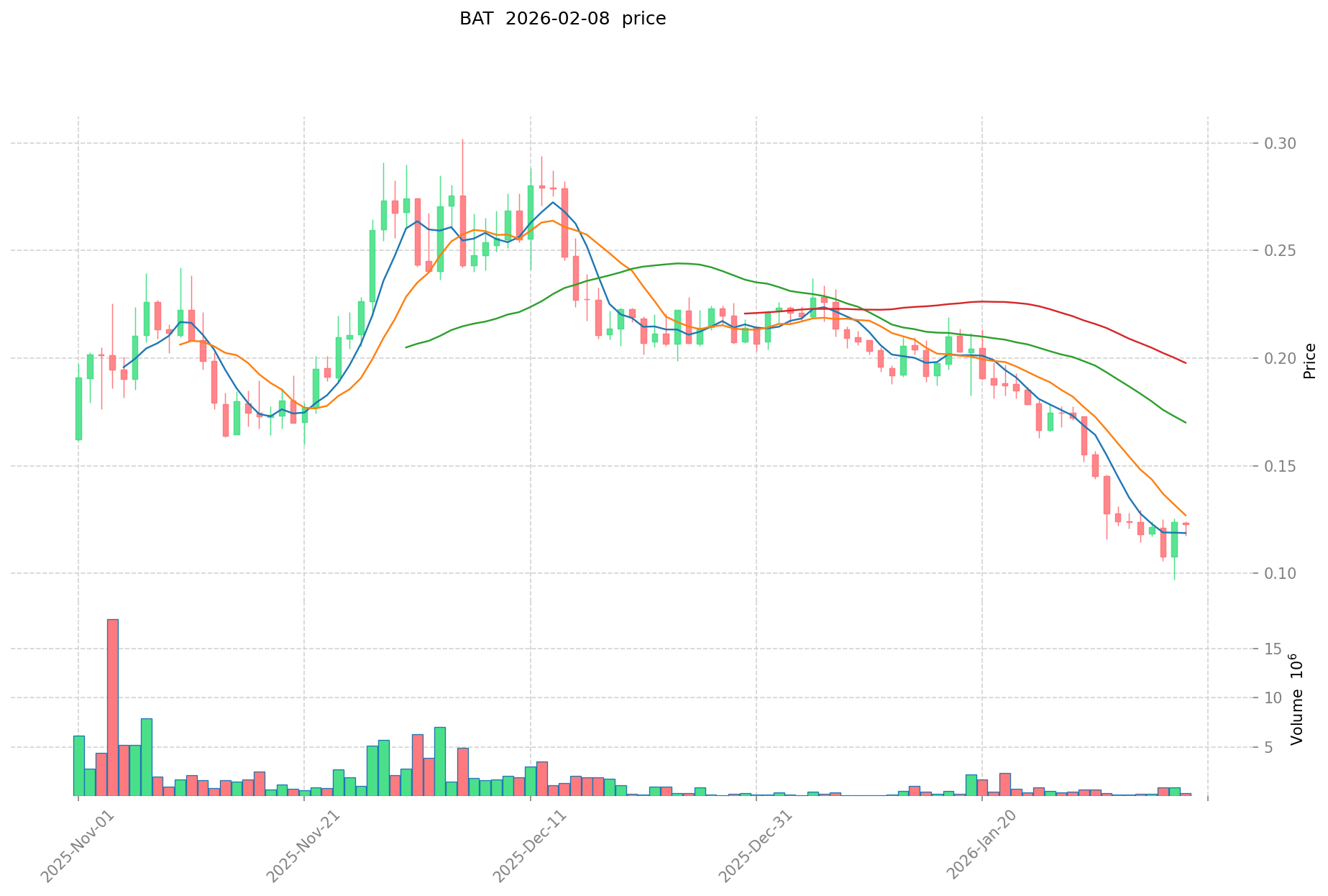
Basic Attention Token (BAT) is an ERC-20 crypto asset used inside the Brave browser. Users can earn BAT through Brave Rewards.
Valuing User Attention: BAT is an innovative system that rewards users for their attention when viewing ads. Unlike traditional ad models, Brave enables users to receive direct compensation for their engagement.
Blockchain-Based Transparency: BAT operates on Ethereum, making all transactions secure and transparent. Blockchain ensures records are tamper-proof and verifiable by anyone.
Integration with Crypto Exchanges and Redemption
To redeem BAT in Japan, users must link Brave to a crypto exchange that supports BAT. Below is a general outline using major exchanges as examples.
Open an Exchange Account: Register for a free account at a supported exchange, providing your email and completing identity verification with a government-issued ID.
Link Brave Browser: In Brave Rewards settings, select “Verify Wallet,” link your exchange account, and complete the authentication steps.
Receive BAT: Once linked, BAT earned in Brave is credited to your exchange account the following month—typically at the start of each month.
Redemption Process: Sell BAT at the exchange to convert it to Japanese yen, then withdraw to your bank account. Some exchanges charge withdrawal fees, so check in advance.
Important Notes: BAT can only be received if you link to an exchange. Crypto prices fluctuate, so redemption amounts may vary. Profits are classified as “miscellaneous income” under Japanese tax law, and if your annual total exceeds ¥200,000, a tax return is required. Failure to file may result in additional tax penalties.
Brave Search: The Proprietary Search Engine
Privacy-First Search Engine
Brave Search, developed by Brave Software, is a search engine designed to prioritize user privacy over everything else.
No User Data Tracking: Brave Search collects no search history or personal data, ensuring complete privacy. Unlike most engines, Brave never stores or profiles user data for targeted ads.
Independent Search Index: Brave Search uses its own search index, providing independent and unbiased results, free from the influence of major search providers.
Ad Control: Users can choose to search with or without ads. Even when ads are enabled, they are delivered without compromising user privacy.
How to Use Brave Search and Its Features
Brave sets Brave Search as the default engine, so users can begin searching right away.
Change Search Engine: Users can switch to Google, DuckDuckGo, or others from the browser’s settings under “Search Engine.”
Privacy Mode: Brave Search anonymizes all queries, ensuring search terms are never shared with third parties.
Answer with AI: Brave Search uses AI to provide concise answers from multiple sources, allowing users to get quick responses without clicking through all results—a major time-saver for research.
Chrome Web Store Compatibility
Brave’s Chromium foundation ensures full compatibility with Chrome extensions, letting users continue with their preferred tools and add-ons.
Adding Extensions: From the Brave menu, choose “Extensions,” access the Chrome Web Store, and click “Add to Chrome” for your desired extension.
Important Notes: Some extensions may impact privacy, especially those that collect user data or serve ads. Always choose trusted developers, review ratings, and regularly remove unused extensions to optimize performance.
Syncing Across Devices and Custom Settings
How to Use Brave Sync
Brave Sync makes it easy to synchronize bookmarks, history, passwords, extensions, and settings across multiple devices, providing a seamless browsing experience everywhere.
Syncable Data: Bookmarks, browsing history, saved passwords, extensions, and settings all stay consistent across devices with Brave Sync.
How to Set Up Sync: In settings, select “Sync,” click “Start a new sync chain,” and scan the QR code or enter the sync code on your other devices to link them together.
Sharing Bookmarks and Passwords
Brave Sync keeps bookmarks and passwords up to date across all devices.
Add Bookmarks: Any bookmark added on one device appears on all others, ensuring convenient access anywhere.
Password Management: Brave’s password manager securely stores credentials and auto-fills them across devices, enhancing both convenience and security.
Important Notes: All synced data is encrypted, but regular password updates and careful handling of sync codes are recommended for maximum security.
Brave’s AI Assistant: Leo
What Is Leo?
Leo is an AI-powered assistant built into Brave, designed to enhance usability and productivity during browsing.
Advanced Natural Language Processing: Leo uses the latest AI technology to answer even complex questions accurately and efficiently.
Privacy Protection: Leo operates without storing or collecting user data—conversations remain private and are never saved on Brave servers.
Features and How to Use Leo
Leo comes with several convenient capabilities.
Content Summarization: Quickly summarizes lengthy articles and documents, helping users grasp key points without reading everything in detail.
Q&A: Users can type questions directly into the browser and receive instant answers, streamlining information gathering.
Search Assistance: Leo understands search intent and delivers the most relevant results to the user’s queries.
How to Use: Click the Leo icon in the toolbar and type your question or command. Leo responds immediately, and can also answer questions about the web page you’re currently viewing.
Comparison to Other Browsers
Brave vs. Google Chrome
Both Brave and Google Chrome are built on Chromium, but they differ sharply in terms of privacy and advertising.
Privacy Protection: Brave blocks ads and trackers by default, while Chrome collects user data for targeted ads.
Ad Display: Brave blocks all ads automatically; Chrome allows ads, which can disrupt the user experience.
Speed and Performance: Brave loads pages faster by skipping ads and trackers; Chrome can be slower due to loading these elements.
Extensions: Both support Chrome Web Store extensions, but Brave offers exclusive features such as Brave Rewards and Brave Wallet.
Brave vs. Safari
Both browsers prioritize privacy, but differ in several aspects.
Privacy Protection: Brave blocks ads and trackers by default for top-tier privacy. Safari offers strong privacy as well, but some ads may still be displayed.
Ad Display: Brave blocks ads entirely, while Safari’s Intelligent Tracking Prevention stops some tracking, but does not fully block ads.
Extensions: Brave supports the vast catalog of Chrome Web Store extensions, whereas Safari’s extension choices are limited.
Platforms: Brave runs on Windows, macOS, Linux, Android, and iOS. Safari is available mainly on Apple devices.
Feature Differences by Device
Brave’s features vary depending on the device.
PC (Windows, macOS, Linux): Supports ad blocking, BAT earning, and many extensions. Background playback and playlist features are not available.
Android: Offers ad blocking, BAT earning, some extensions, and background playback. Playlist feature is not supported.
iOS: Supports ad blocking, background playback, and playlists. Due to Apple policies, BAT earning and some extension support are unavailable.
How to Install and Set Up Brave
Brave can be downloaded for free from the official website, with installation taking just a few minutes.
Visit the Official Site: Go to brave.com.
Download: Click “Download Brave” to automatically get the correct installer for your OS—Windows, macOS, Linux, Android, or iOS.
Install: Open the downloaded file and follow the prompts. Installation typically completes within minutes.
Initial and Privacy Settings
After installation, complete the basic configuration.
Set as Default Browser: Choose whether to make Brave your default browser so links open in Brave by default.
Import Bookmarks: Import bookmarks and settings from Chrome, Firefox, Safari, and other browsers to maintain your existing web environment.
Privacy Settings: In settings under “Shields,” adjust ad blocking and tracker prevention levels. Maximum protection is enabled by default, but can be customized.
How to Set Up Brave Rewards
Brave Rewards allows users to earn BAT for viewing ads.
Enable Brave Rewards: In settings, select “Brave Rewards” and turn it on to begin seeing privacy-respecting ads.
Set Ad Frequency: Choose how many ads per hour you’d like to see—up to five. Viewing more ads earns more BAT.
Wallet Verification: Link to a supported crypto exchange to receive BAT. Click “Verify Wallet” in settings and enter your exchange account details to complete verification.
How to Watch YouTube Ad-Free with Brave
How Ad Blocking Works
Brave blocks ads by default on YouTube and all websites using its built-in “Brave Shields.”
Automatic Ad Blocking: Brave blocks YouTube video ads (skippable, non-skippable, bumper, etc.), banner ads, and pop-ups, letting you enjoy content without interruptions.
Anti-Tracking: Brave blocks tracking codes embedded in ads, protecting your privacy. With Brave, YouTube and other services cannot track your viewing history or behavior.
Setup and Cautions
Brave’s ad-blocking is enabled by default with installation. No extra configuration is needed to watch YouTube ad-free.
Some sites may not display correctly due to ad blocking. Take these steps to resolve issues:
Check Brave Shields: Click the lion icon in the address bar to confirm which ads and trackers have been blocked.
Adjust Shields Per Site: Temporarily disable Shields for specific sites to allow ads, supporting sites you trust or that rely on ad revenue.
Allow Ads on Trusted Sites: Turn off Shields to support creators or allow ads on sites you wish to support. You can also tip creators directly with BAT using Brave Rewards.
Important Notes: Some sites may restrict functionality when ad blockers are detected, especially video streaming platforms. Temporarily disabling Shields may resolve playback issues.
Brave’s Future and Web3 Potential
Commitment to a Decentralized Internet
Brave is dedicated to advancing a decentralized, user-driven internet for the Web3 era, moving away from centralized control.
Decentralized Search Expansion: Brave is enlarging its independent search index to provide high-quality, privacy-protecting results from a wide range of sources.
User Data Self-Management: Brave is building systems that give users complete control and ownership of their data, using blockchain to empower users to decide what to share with third parties.
Future Growth Prospects
Brave is poised for further growth and innovation.
NFT and DeFi Support: Brave Wallet will enable NFT storage and access to DeFi services within the browser, making it even easier to join the Web3 ecosystem.
Expanded Creator Support: Brave Rewards will further empower creators by allowing users to send BAT directly, enabling content production without reliance on traditional ad revenue.
Continuous Feature Updates: Brave regularly adds new features, such as Brave Talk for video calls and Brave News for news feeds, to improve user convenience.
Summary
Brave is a next-generation browser that combines ad blocking, high-speed browsing, privacy protection, and a unique ecosystem powered by BAT cryptocurrency. It enables users to control their data and browse the internet securely in the Web3 era.
Key benefits include ad-free YouTube, strong privacy protection, fast browsing, and the ability to earn BAT for viewing ads. Features like Brave Wallet, Brave Talk, Brave Search, and the AI assistant Leo further enhance the user experience.
Although there are potential drawbacks—such as display issues and device-specific feature differences—Brave’s advantages far outweigh these concerns.
If you’re seeking more privacy and a new browsing experience for the Web3 era, Brave is an excellent choice. Try Brave today—it’s free to download and easy to set up.
FAQ
What Is the Brave Browser? What Are the Features of a Web3 Browser?
Brave is a Web3 browser that blocks ads and protects user privacy. Its innovative system lets users earn rewards with its BAT cryptocurrency, returning ad revenue to users.
How Can I Watch YouTube Ad-Free with Brave? Does It Block Ads in Practice?
Just install and use Brave—its ad-blocking feature automatically blocks YouTube ads. However, as YouTube updates its technology, the effectiveness of ad blocking may change.
Is Brave Really Secure? How Does It Protect Privacy?
Brave automatically blocks ads and trackers, enforces HTTPS, and blocks third-party cookies. Shields provide strong privacy protection, but full anonymity isn’t guaranteed—personal data may be recorded when logged in, so caution is advised.
Can I Earn BAT with Brave? How Does the Rewards System Work?
Yes, you can earn BAT with Brave. Seventy percent of ad revenue is distributed to users, who receive BAT by viewing ads and can collect rewards monthly.
What’s the Difference Between Brave and Chrome? Which Should I Use?
Brave is best for privacy and ad blocking, while Chrome offers broad extension compatibility. Choose Brave for Web3 or privacy; choose Chrome if you need extensive extension support.
Which Devices Support Brave? Is It Available for Smartphones?
Brave is available for computers (Windows, Mac, Linux) and smartphones (iOS, Android). It’s free to download and provides fast, secure browsing on all devices.
Does Brave’s Ad Blocking Work on All Sites?
It works on most sites, but a few may not function correctly. Disabling Brave Shields can resolve these issues.
Share
Content
What Is the Brave Browser?
The Role of Brave in the Web3 Era
Advantages and Disadvantages of the Brave Browser
Ad Blocking Features and Benefits
Privacy Protection Features
Brave Rewards and the Basic Attention Token (BAT) System
Brave Search: The Proprietary Search Engine
Chrome Web Store Compatibility
Syncing Across Devices and Custom Settings
Brave’s AI Assistant: Leo
Comparison to Other Browsers
How to Install and Set Up Brave
How to Watch YouTube Ad-Free with Brave
Brave’s Future and Web3 Potential
Summary
FAQ
How to Buy Cryptocurrency


Trending Cryptocurrencies



XZXX: A Comprehensive Guide to the BRC-20 Meme Token in 2025

What Is a Phantom Wallet: A Guide for Solana Users in 2025

Ethereum 2.0 in 2025: Staking, Scalability, and Environmental Impact

2025 Layer-2 Solution: Ethereum Scalability and Web3 Performance Optimization Guide

What is BOOP: Understanding the Web3 Token in 2025

Altcoin Season Index 2025: How to Use and Invest in Web3
How to Earn Money with Cryptocurrency and Bitcoin

Six Cryptocurrencies That Have Delivered Over 1,000x Growth

Best Crypto Launchpads: Top 10 Picks for Investors

ICO Explained and How to Launch One: A Comprehensive Guide to Initial Coin Offerings
Top Cold Wallets for Cryptocurrency: Rankings