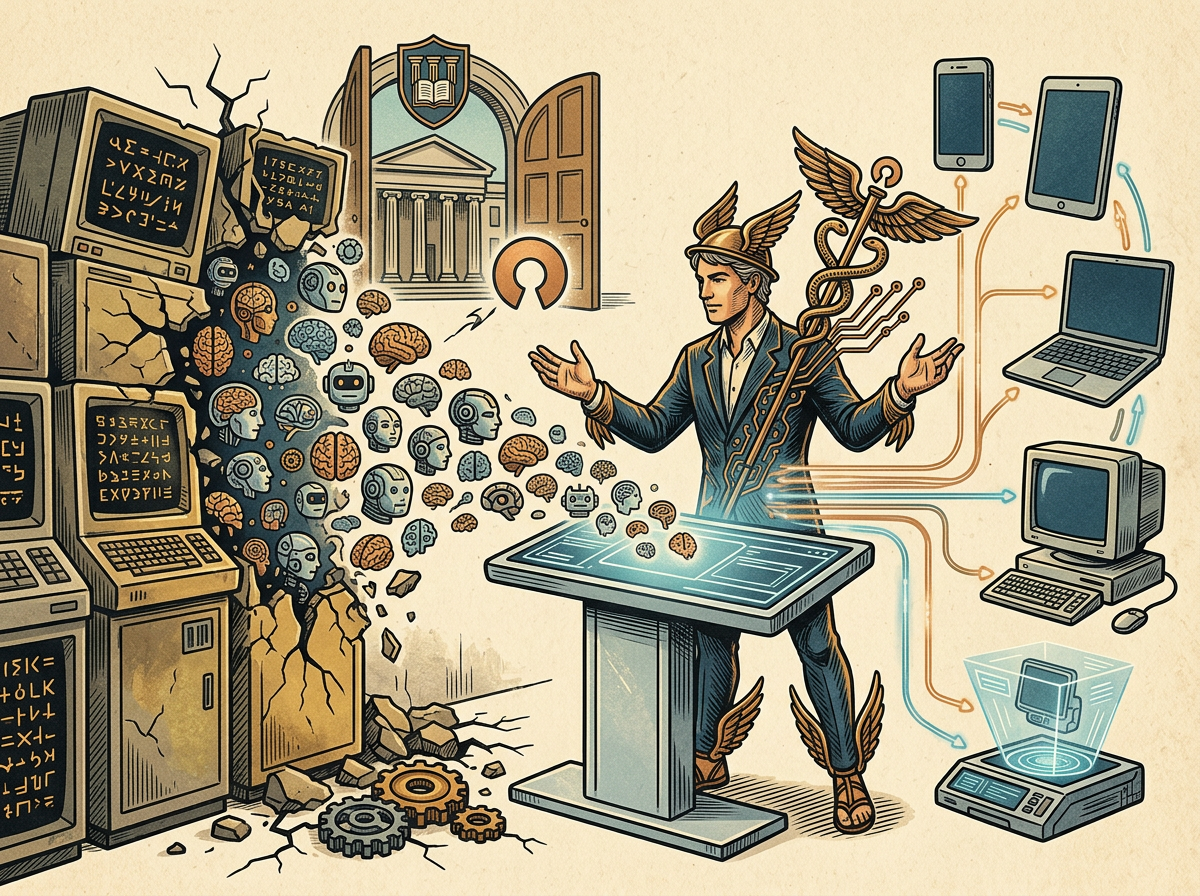
Nous Research officially released the Hermes Desktop v0.15.2 public preview on June 2. It is free and open-source under the MIT license, providing the first official graphical desktop interface for the open-source automated AI agent Hermes. Previously, Hermes users had to complete all operations via terminal commands, while its main competitor, OpenClaw, already had a graphical interface.
Verified Feature Specs: Platform Support, Sandbox Environment, and Cross-Platform Communication
Hermes Desktop’s features include persistent memory (storing projects and solutions), natural-language scheduling (handling recurring tasks and reports), built-in web browsing and image generation, and the ability to access more than 300 models via Nous Portal. Users can delegate tasks to sub-agents (smaller isolated Hermes instances executing tasks independently), and can interact with the same agent through Telegram, Discord, Slack, WhatsApp, Signal, and email. The backend provides five sandbox execution environments: local, Docker, SSH, Singularity, and Modal.
MIT License and Pricing: Confirmed License Scope and Paid Plans
Hermes Desktop is released under the MIT license. Anyone can review the source code, set it up themselves, or modify it without needing permission. Nous Portal offers free usage quotas; paid plans are divided into three tiers: Plus, Super, and Ultra, with monthly points and additional model access rights. The GitHub repository is live, and Nous Research confirmed that the current version is in public preview. The team expects some details to be optimized and is actively collecting user feedback.
FAQ
What are the differences between Hermes Desktop’s core agent features and the CLI version?
According to Nous Research’s official documentation, the Hermes Desktop’s core agent engine is identical to the CLI version, including the same persistent memory, skills system, and configuration settings. The main difference lies in the interface layer: the Desktop version provides native graphical operations without needing terminal commands. Users’ existing work from the CLI can be used directly in the Desktop version.
How does Hermes’ “self-learning skills loop” mechanism work?
A core feature of the Hermes Agent is that once it completes a new task, it saves the method as a reusable skill file. When it encounters a similar problem next time, Hermes directly calls the stored skill, without requiring the user to explain again. This mechanism is consistent across both the Desktop and CLI versions.
What operations does the MIT license allow users to do with Hermes Desktop?
The MIT license allows anyone to use it for free, review the source code, self-host, modify it, and republish it without needing permission from Nous Research or paying fees. Nous Portal API calls (300+ model access) are subject to free usage quota limits; once exceeded, users must subscribe to Plus, Super, or Ultra paid plans. However, the application itself is not restricted by paid usage limits.


